

Every website builder promises a template you can make your own, and the amount of truth in that promise varies more than most business owners expect until they’re a week into building and hitting walls the sales page never mentioned.
Table of Contents
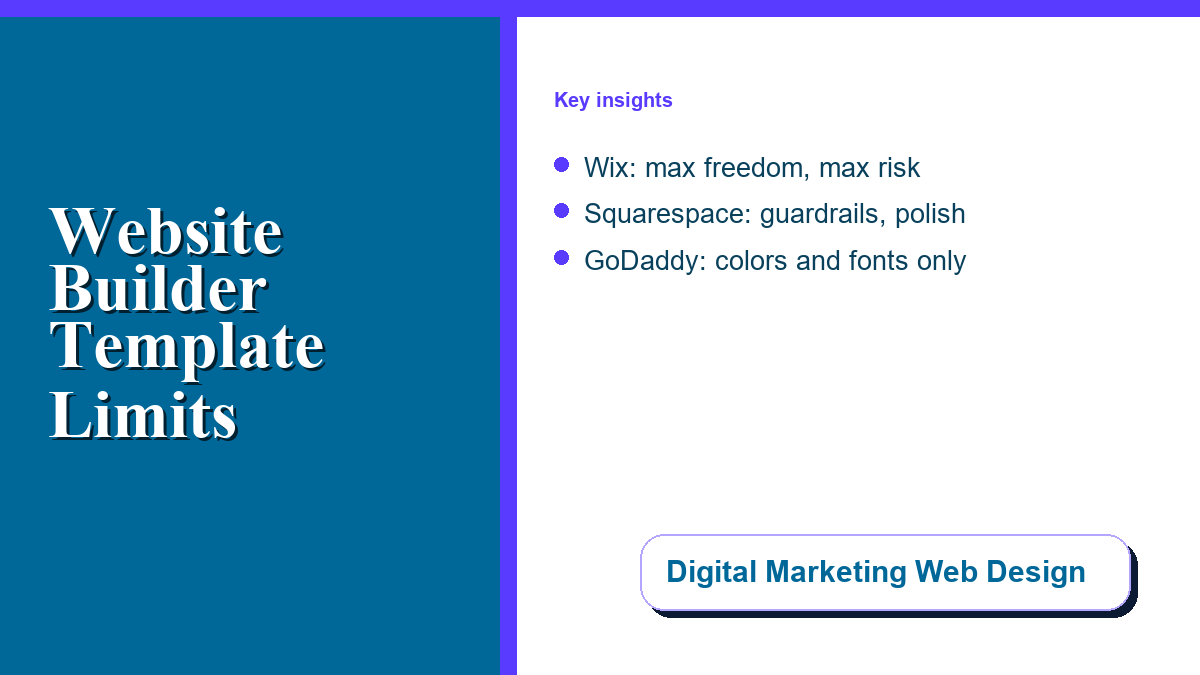
Wix: Maximum Freedom, Maximum Risk
Wix treats its templates as a starting point rather than a structure — its drag-and-drop editor gives pixel-level control over every element, letting you move, resize, and layer blocks anywhere on the page. That freedom is genuinely unmatched among the major builders. The tradeoff is real too: without some design sensibility, it is easy to end up with a page that looks cluttered or inconsistent, because nothing is stopping you from making a choice that hurts the result.
Squarespace: Guardrails That Keep You Looking Professional
Squarespace takes the opposite bet. You can customize colors, fonts, images, and content, plus deeper controls like a custom 404 page and custom CSS for anyone comfortable with it — but the templates enforce structure: sections snap to grids, typography scales consistently, spacing follows predetermined patterns. The result is a site that looks professional even from someone with no design background, at the cost of the freeform flexibility Wix offers.
GoDaddy: Customization, But Not Much of It
GoDaddy’s editor is deliberately simple — colors, fonts, and buttons are about the extent of what you can adjust in the theme editor. That is a reasonable tradeoff for a business that wants a functional site fast and does not plan to spend time fine-tuning design, and a real limitation for one where visual differentiation actually matters to the sales pitch. Our deeper comparison of the best website builder themes for effortless website creation goes further into which templates hold up best across platforms.
The Detail That Catches People Off Guard
On both Wix and Squarespace’s newer editor, the underlying template generally cannot be swapped once a site is live — changing the overall structure later means manually rebuilding sections rather than picking a new template and migrating content into it automatically. That makes the initial template choice more consequential than most builders let on; treat it as closer to a semi-permanent decision than a starting point you can casually revisit in six months.
Matching the Platform to the Actual Need
A business that wants maximum control and has someone willing to learn the editor well is better served by Wix. A business that wants a professional result without needing design judgment is better served by Squarespace. A business that just needs something live fast, with design as a secondary concern, has a legitimate reason to pick GoDaddy — as long as the initial template choice gets real attention, since it will be doing more long-term work than the sales page suggests. For a wider walk-through of builder options and what to weigh before committing, see our guide to choosing the right online website builder.